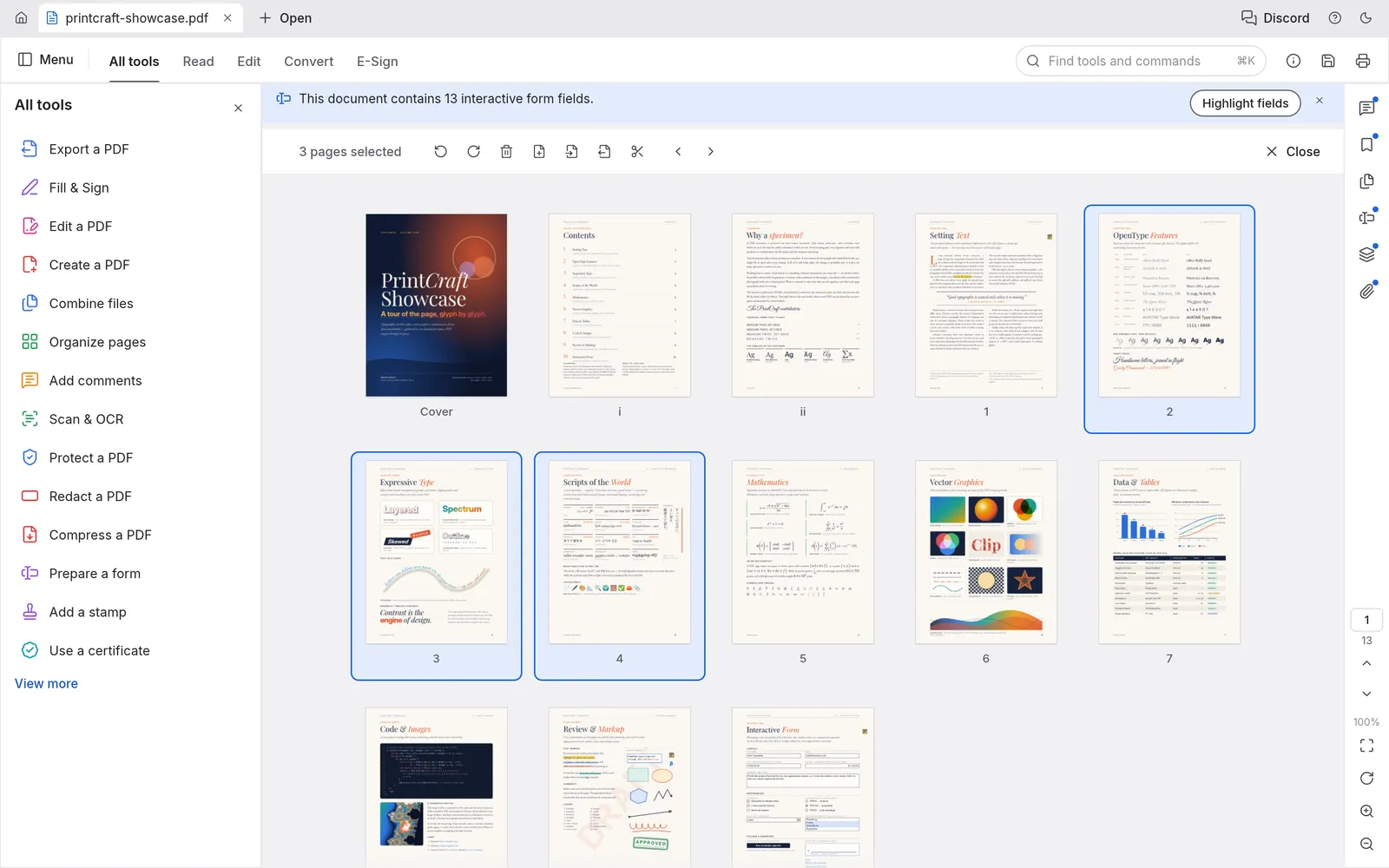
Organize pages like cards on a table
Select pages with a click, then rotate, delete, insert or move them. Every step can be undone, even after you save.
The ArtCraft PdfCraft guide
Read, search, organize, combine, split and protect PDFs on Windows, macOS, Linux or right in your browser.
PdfCraft is a free, open-source PDF workbench made by the ArtCraft team. ArtCraft builds a family of Craft Apps, open alternatives to the creative and office software most people rent by the month, and PdfCraft is its PDF reader and editor. It is written from the ground up in Rust, released under the MIT or Apache-2.0 license, and runs as a native app on Windows, macOS, Linux and FreeBSD. A WebAssembly build opens the same app in any modern browser.
The project calls itself a clean-room reimplementation of Adobe Acrobat. In practice the everyday jobs are already here: viewing and searching documents, commenting, filling and signing forms, organizing pages, combining and splitting files, opening password-protected PDFs and redacting sensitive content. Every save is incremental and atomic, so the original bytes of your file are never overwritten.
ArtCraft PdfCraft is still alpha software and says so openly. Reliable editing of existing text, Office conversion and OCR beyond Latin scripts are on the roadmap rather than in the app today. New versions arrive every few days, and PDFCraftTool.org follows each release so you always know which PdfCraft download to pick and what changed.
This is the real PdfCraft app, the official WebAssembly build, running inside this page. Load it, drop in a PDF and try searching, rotating pages or adding a comment. Your file is opened by your own browser and never uploaded. The first load downloads about 5 MB; after that it opens from your browser cache.
The PDF jobs people do every day, done natively and offline.
Select pages with a click, then rotate, delete, insert or move them. Every step can be undone, even after you save.
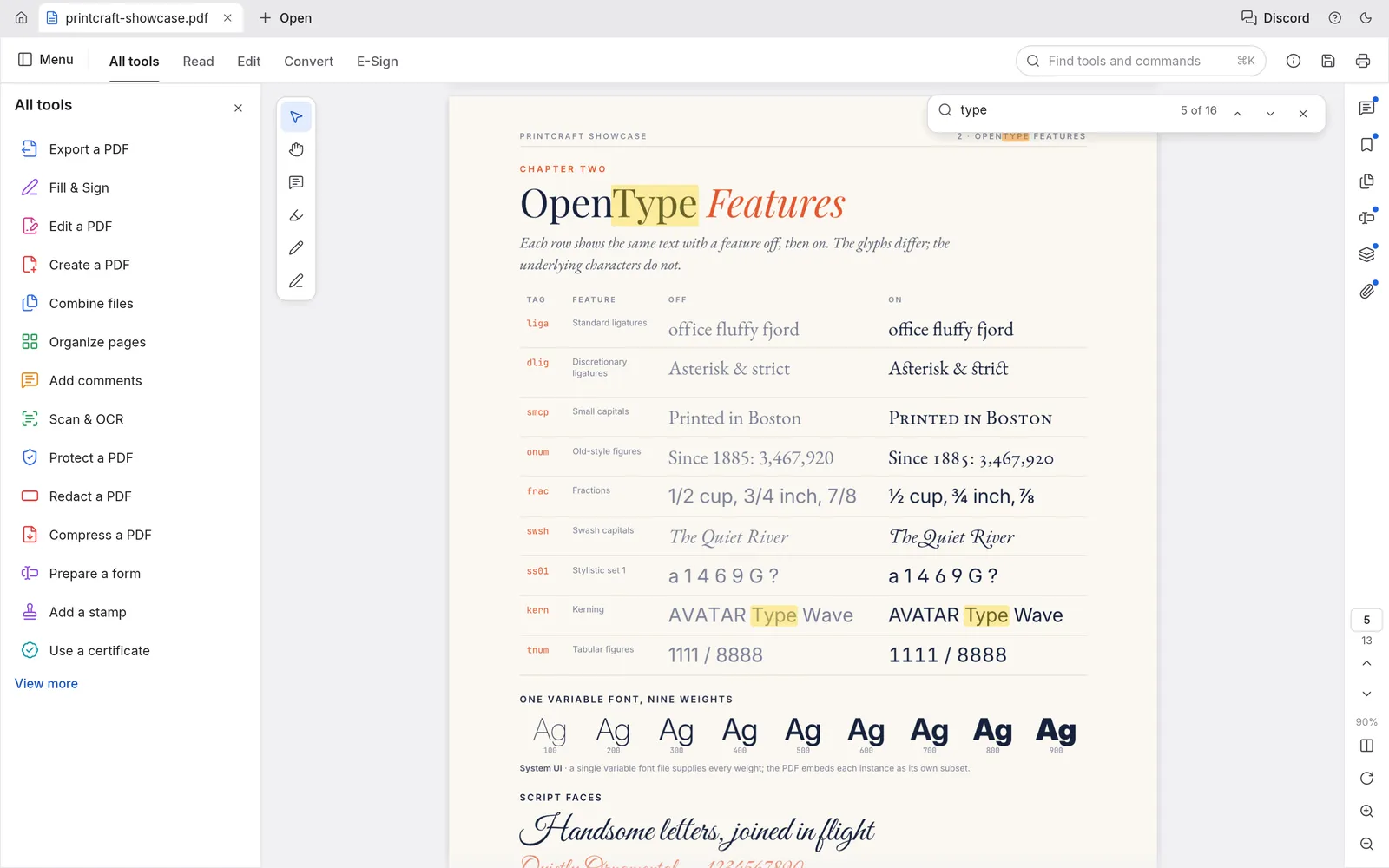
Matches light up while you type, and copied text keeps its reading order in columns, CJK and right-to-left runs.
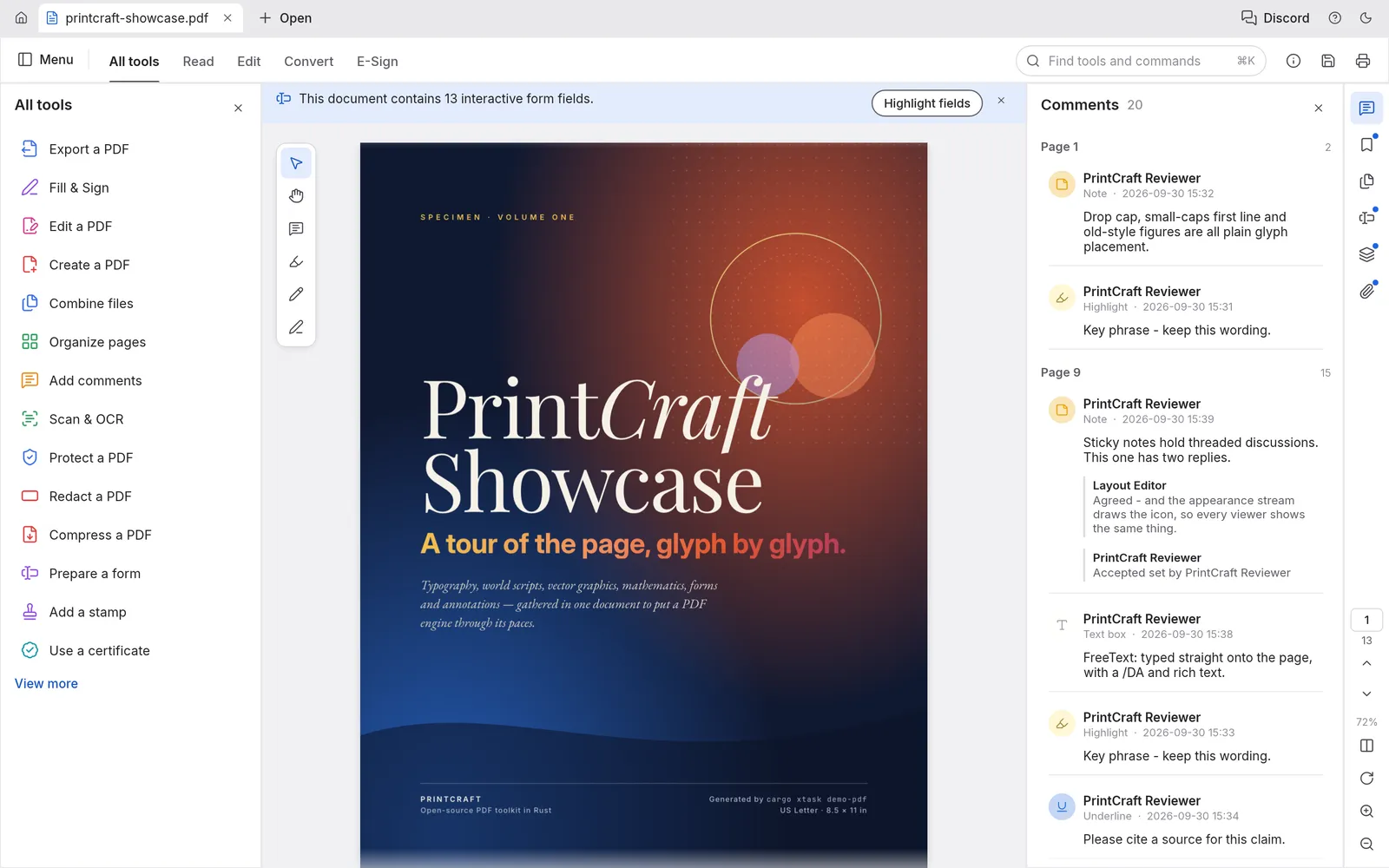
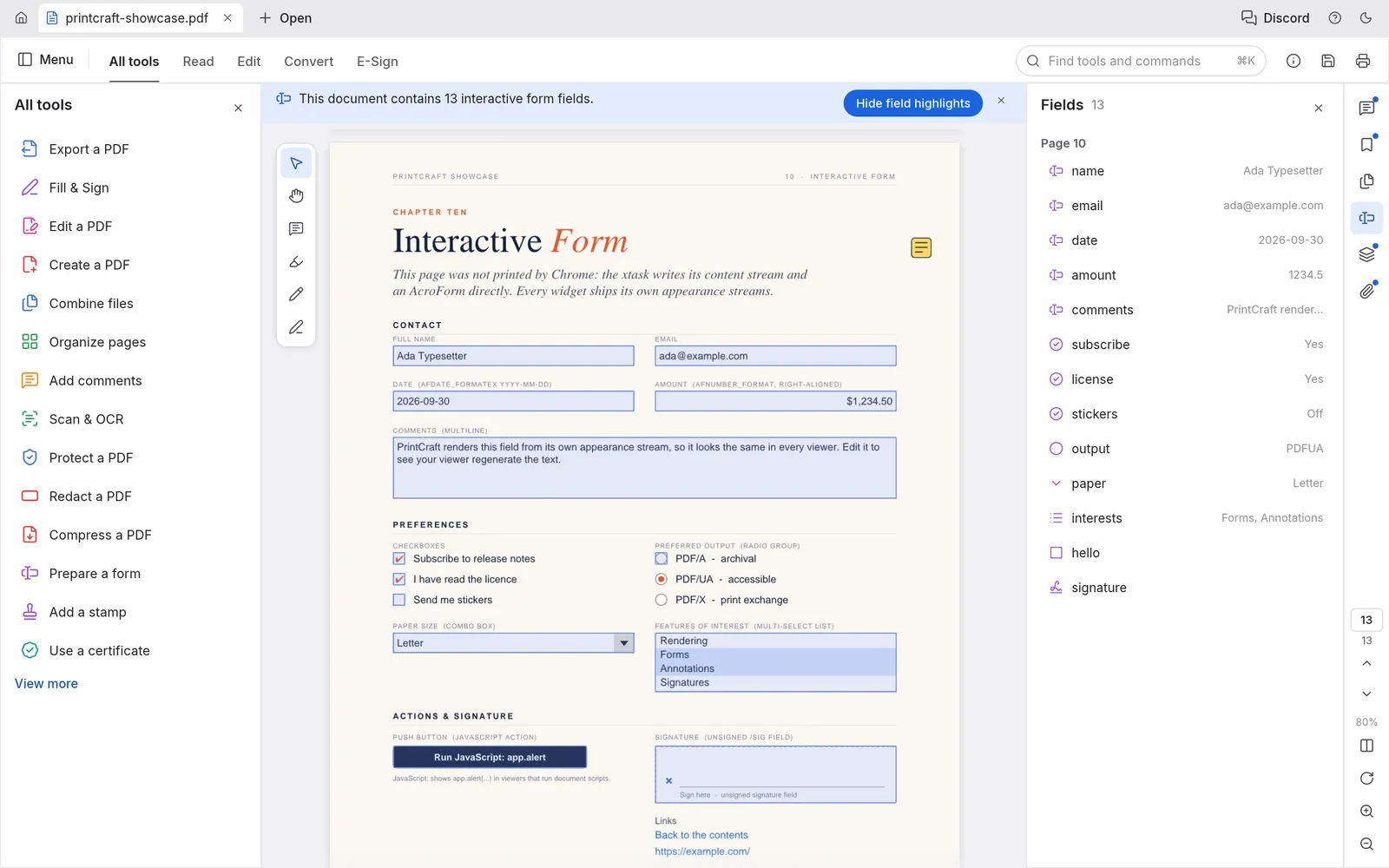
Fill interactive forms, add notes, highlights, shapes and ink, and sign with a basic digital signature.
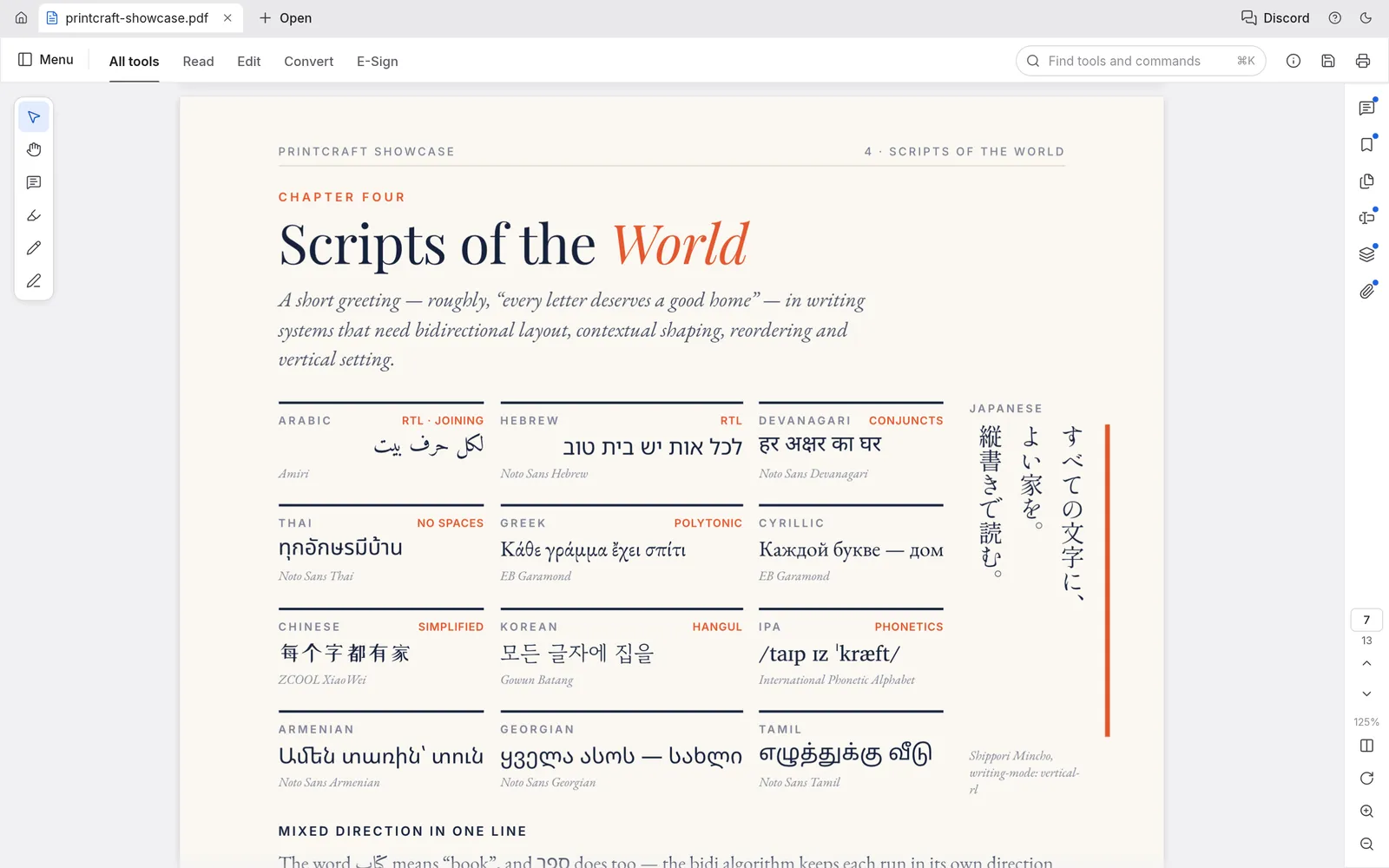
Arabic, Devanagari, Thai, Chinese, vertical Japanese and colour emoji appear exactly as the author set them.
No account, no telemetry and no cloud. Encrypted PDFs from RC4 to AES-256 open normally and stay encrypted when you save.
The PdfCraft download is free on every system. Windows gets signed installers for x64, ARM64 and 32-bit PCs, plus portable builds that run from a USB stick. Mac gets one universal, notarized app for Apple silicon and Intel. Linux users choose between AppImage, Flatpak, .deb, .rpm and a tarball, and FreeBSD has its own build.
See every file and install stepAdobe Acrobat is the industry standard and is priced like one: US$14.99 to US$24.99 a month for Standard, Pro or Studio on an annual plan. PdfCraft costs nothing, needs no account and runs on Linux, which Acrobat does not support. Acrobat still leads on editing existing text, Office conversion, signature workflows and multilingual OCR. For reading, commenting, forms and page organizing, PdfCraft is already a capable free Acrobat alternative.
| Feature | PdfCraft | Adobe Acrobat |
|---|---|---|
| Price | $0 | $14.99+ |
| View, search and annotate | Yes | Yes |
| Rotate, delete, insert and reorder pages | Yes | Yes |
| Combine, extract and split | Yes | Yes |
| Forms | Partial | Yes |
| Edit existing text and images | No | Yes |
| Word, Excel and PowerPoint | Partial | Yes |
Pick the installer for your system on our download page. Every link points to the official GitHub release.
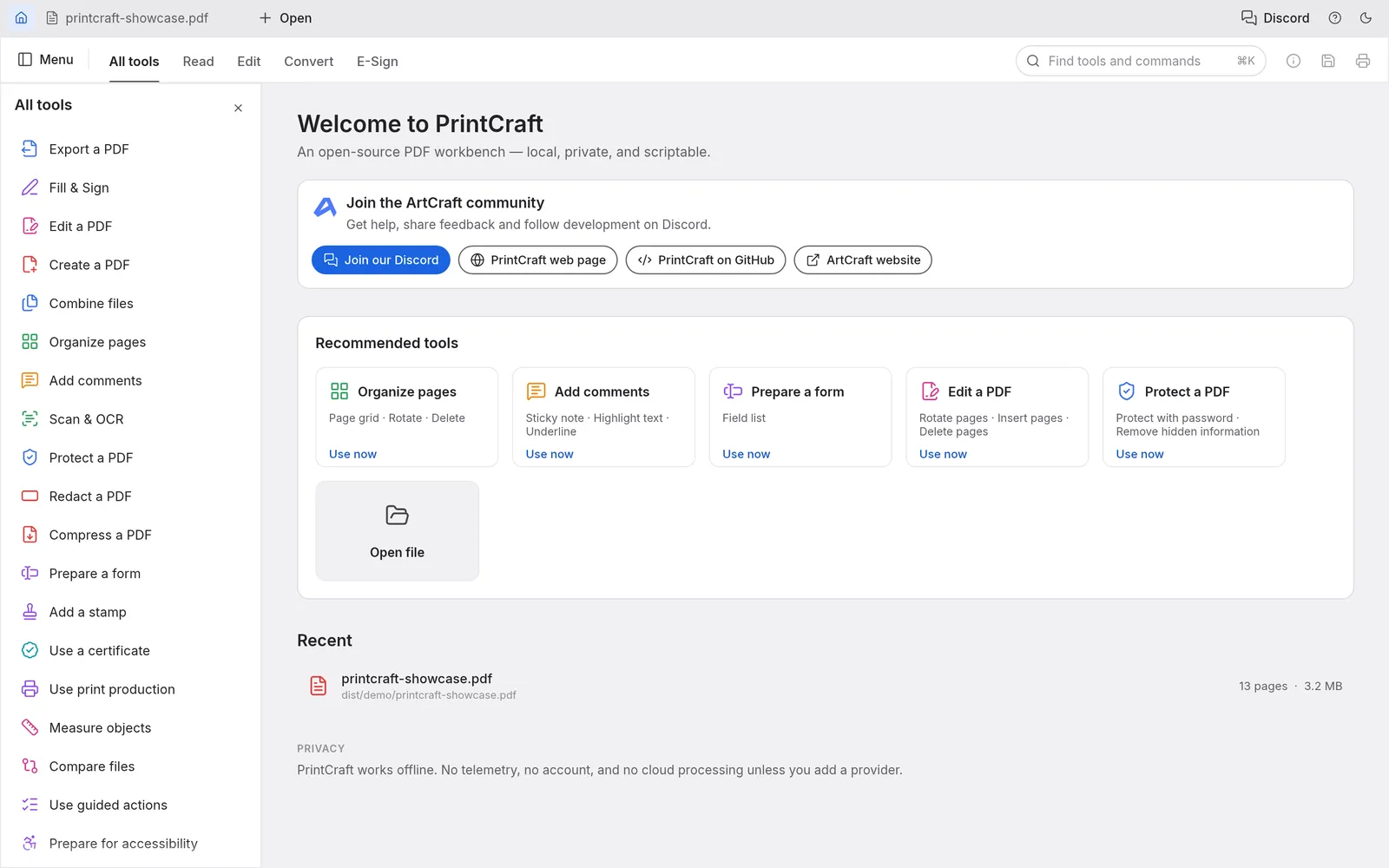
Drag a file onto the window, or press ⌘K and type Open. Each document gets its own tab.
Open All tools to organize pages, combine files, fill forms or protect a document. Our tutorials cover each one.
Read course packs, fill in forms and merge scans without paying for a subscription you need twice a year.
A modern PDF editor with native packages, on systems where Adobe Acrobat has never shipped a desktop app.
Law firms, clinics and finance teams can open confidential files on machines that never talk to a cloud service.
pdfcraft-cli and an opt-in MCP server let scripts and agents inspect, edit, combine and split PDFs with the same engine.
Yes. PdfCraft is free and open source under the MIT or Apache-2.0 license on every platform. There is no paid tier, no trial period and no account to create.
PdfCraft is built by the ArtCraft team as part of its Craft Apps, a set of free, open-source alternatives to creative and office software. The official ArtCraft PdfCraft page is getartcraft.com/apps/pdfcraft.
No. We are an independent guide. Every download button points to the official GitHub release, so you always get the genuine, signed files.
For reading, searching, commenting, filling forms, redacting and organizing, combining or splitting pages, it already does for many people. Reliable editing of existing text, Office conversion, signature-request workflows and non-Latin OCR are not there yet.
No. The web version is a WebAssembly app that runs entirely inside your browser tab. There is no server-side processing, so your PDF never leaves your device.
The source code is public, Windows installers are code-signed, the Mac app is notarized by Apple, and every release ships a SHA-256 checksum file. The app sends no telemetry.
Windows on x64, ARM64 and 32-bit PCs, macOS on Apple silicon and Intel, Linux on x86_64, ARM64 and RISC-V, and FreeBSD. Anything with a modern browser, including a Chromebook, can use PdfCraft Online.
Open Menu, then Edit, then Preferences (⌘, on a Mac or Ctrl+, elsewhere). Auto follows your system language, and you can pick any translated language from the list.
Yes. The MIT and Apache-2.0 licenses allow personal, business and government use at no cost. Companies can install PdfCraft on every desk, deploy the MSI silently, or host PdfCraft Online on their own intranet.
Not yet. ArtCraft ships PdfCraft for desktop systems and the web. On a phone or tablet you can try PdfCraft Online in the browser, although the desktop layout works best on larger screens.
It is an optional installer from ArtCraft that sets up PdfCraft and the other Craft Apps, then keeps them updated. If you only want PdfCraft, the direct download works just as well.
Install the desktop app, or open it in your browser in a few seconds.
PDFCraftTool.org is an independent guide and is not affiliated with ArtCraft or Adobe. PdfCraft is developed by the ArtCraft team. Screenshots are taken from the PdfCraft project. Adobe and Acrobat are trademarks of Adobe Inc. Every download links to the official GitHub release.