Open and read a PDF
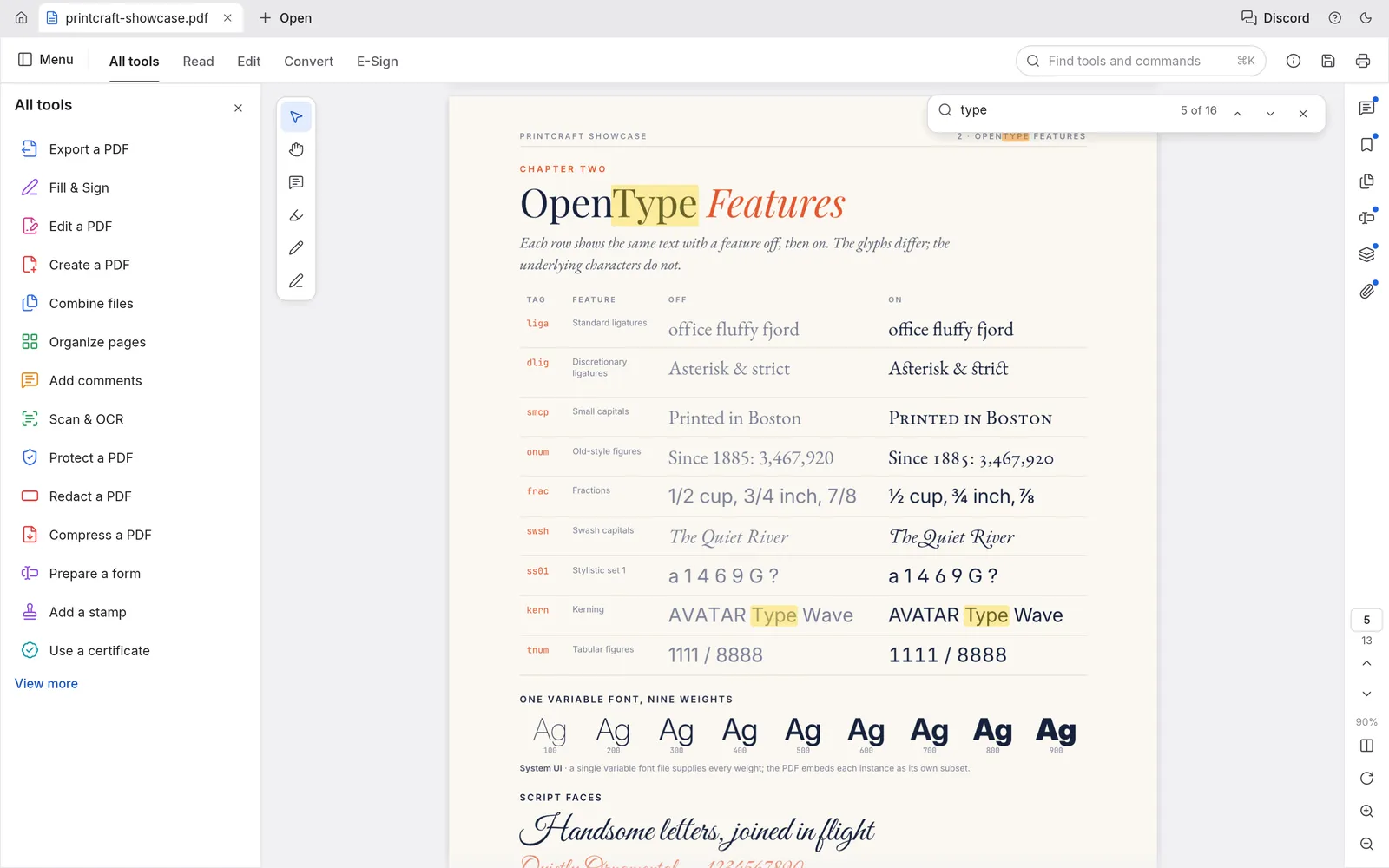
PdfCraft opens most PDFs instantly and renders complex scripts and transparency faithfully.
- 1
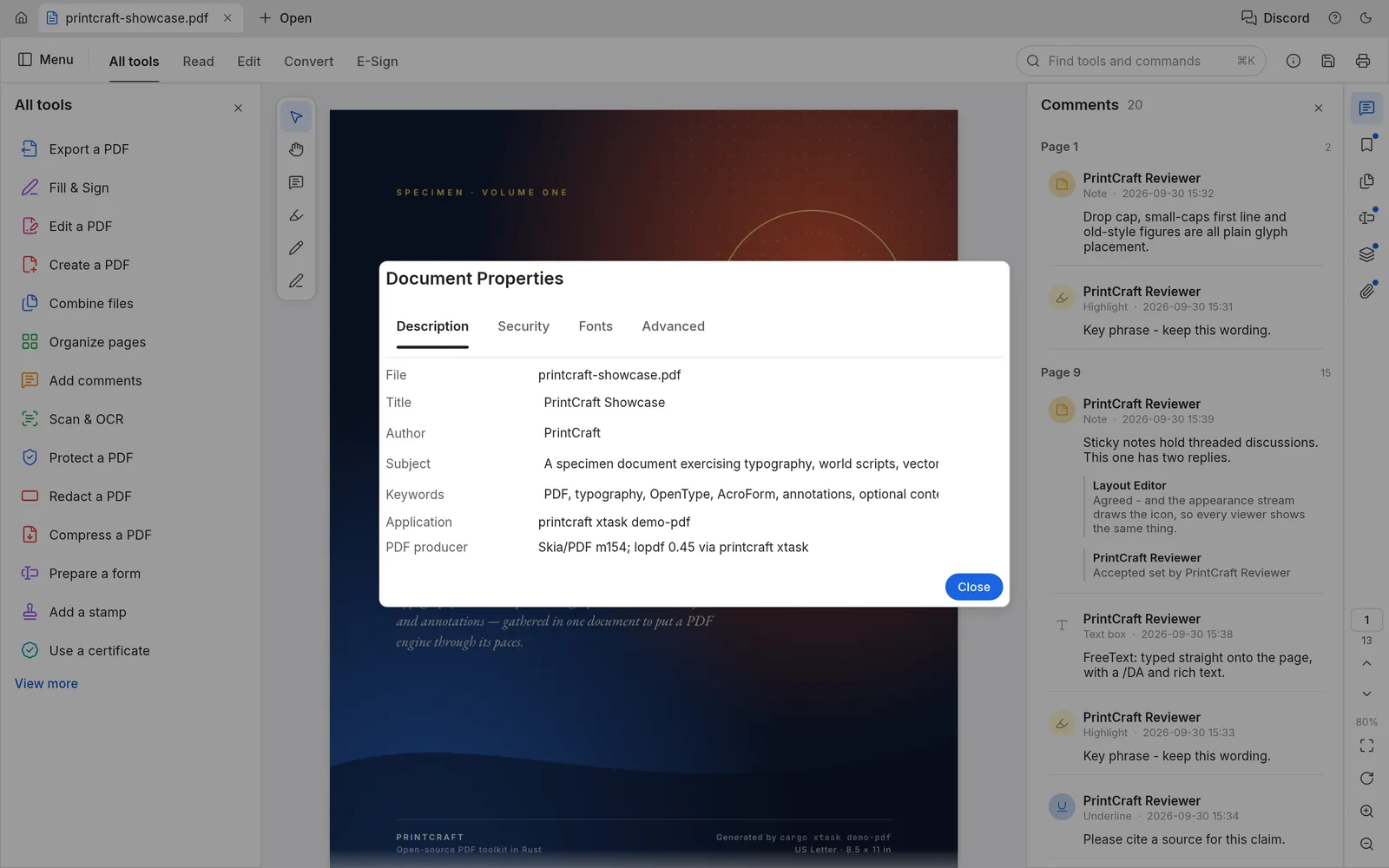
Start PdfCraft and drag a PDF onto the window, or click Open. On Windows you can also right-click a PDF and choose “Edit with PdfCraft”.
- 2
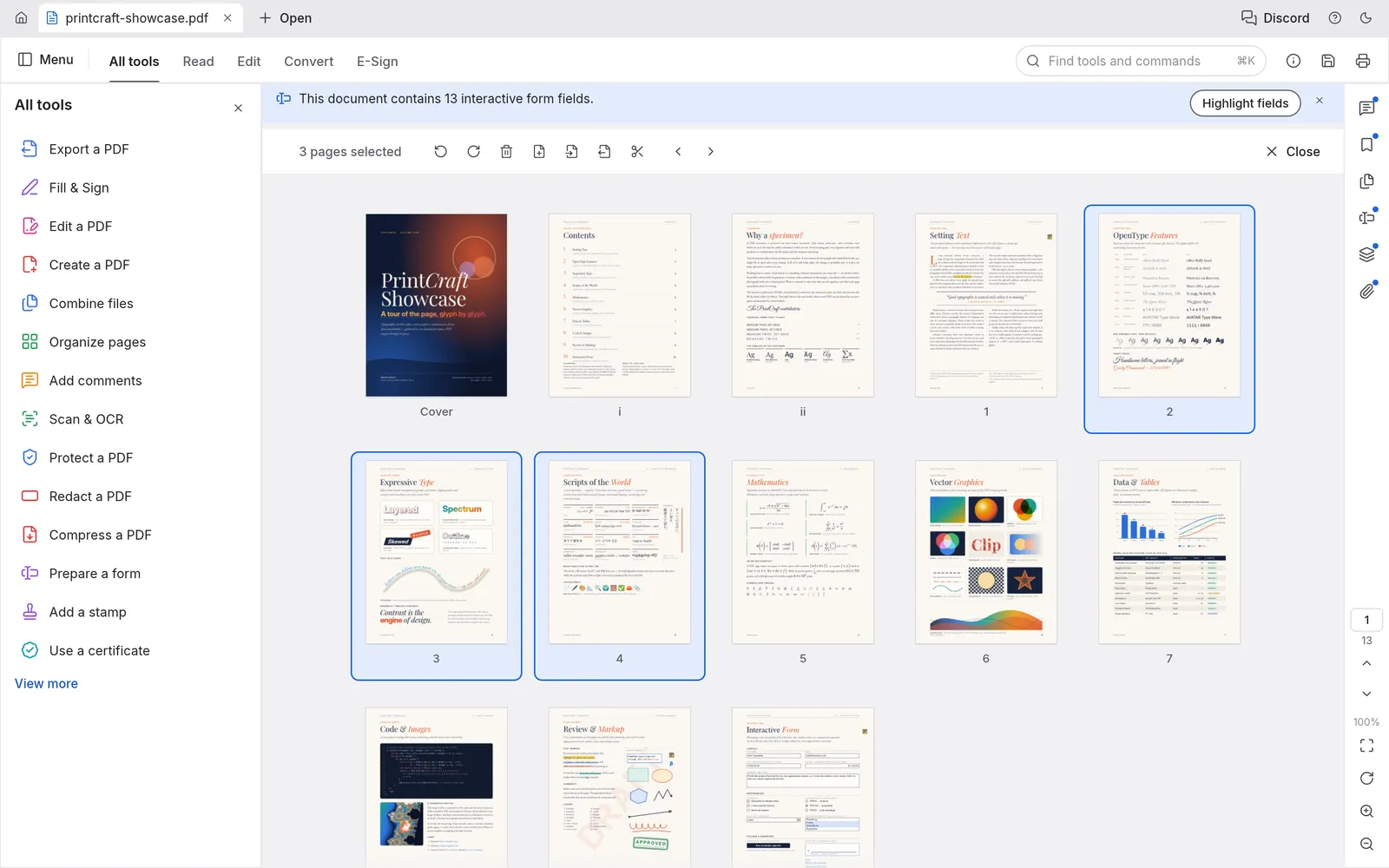
Scroll through pages, or use the thumbnails and bookmarks panels to jump around.
- 3
Zoom with the controls on the right edge, or pinch on a trackpad.
- 4
Open several files at once. Each one gets a tab; right-click a tab to close it or reopen the last closed file.
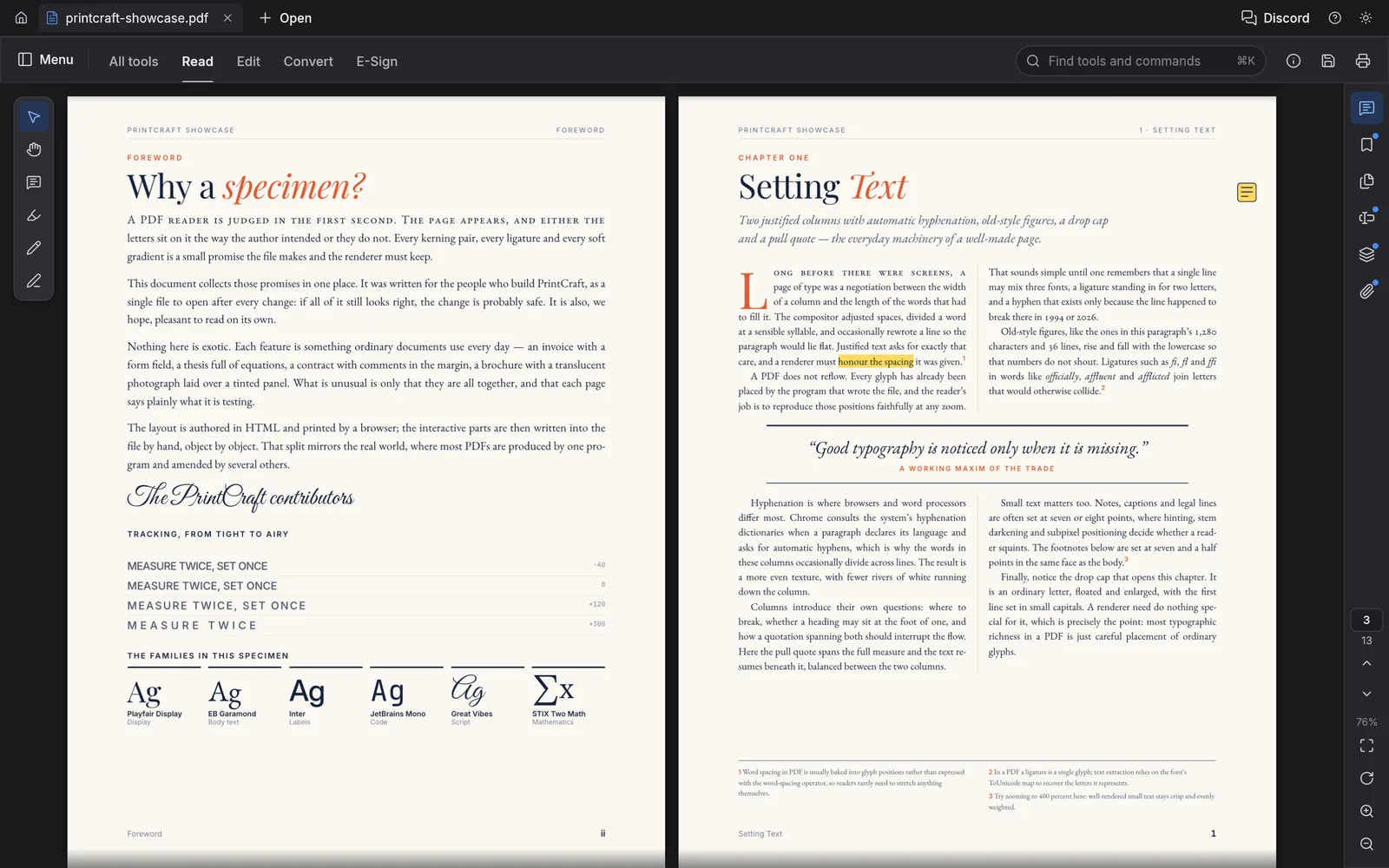
Tip: Press ⌘K to search every tool and command by name. It is the fastest way to find anything.