PdfCraft vs Adobe Acrobat
A free, open-source workbench against the most complete PDF suite money can buy.
PdfCraft
$0
Best for reading, commenting, forms and page organizing. Free, private, and available on every desktop including Linux.
Adobe Acrobat
$14.99/month
Best for editing existing text, Office conversion, e-signature workflows, multilingual OCR and enterprise rollouts.
Feature by feature
Acrobat prices are US list prices for individuals on adobe.com in October 2026 and vary by region. adobe.com
Is PdfCraft a good Adobe Acrobat alternative?
For most people the honest answer is: for the things they do every week, yes. Reading long documents, searching them, leaving comments, filling forms, reordering pages and merging files are the core of PDF work, and PdfCraft handles all of them without a subscription. Over three years, an Acrobat Pro plan costs about US$720 per person. PdfCraft costs nothing, on as many machines as you like.
The gap shows in heavier workflows. If you rewrite paragraphs inside existing PDFs, convert to and from Word every day, send contracts out for signature or OCR scans in Chinese or Arabic, Acrobat is still the tool. ArtCraft PdfCraft is moving quickly toward those features, so the sensible plan is to install both, use PdfCraft first, and check back with each release.
Where PdfCraft wins
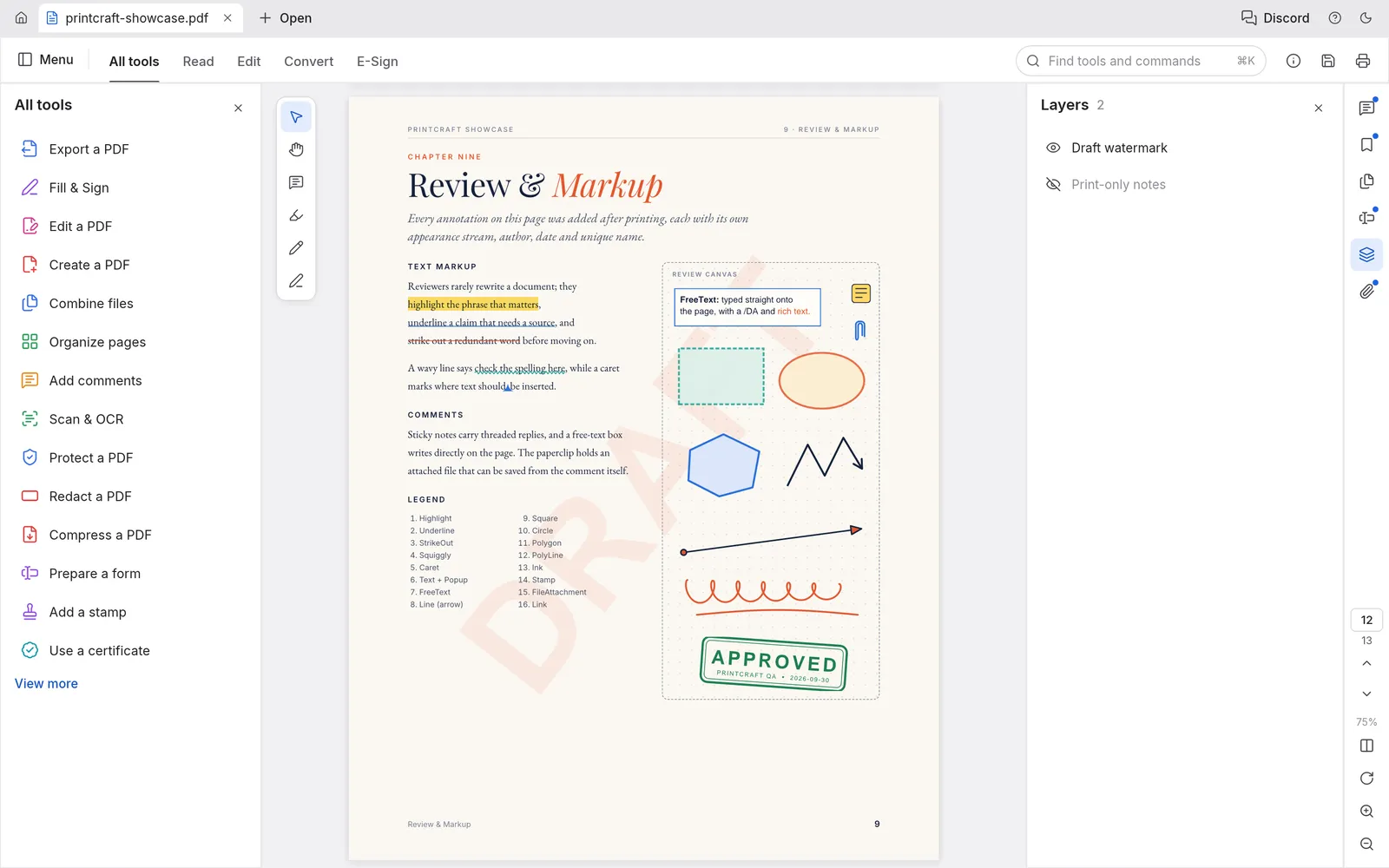
- Saves US$180 to US$300 per person per year compared with an Acrobat subscription.
- Runs on Linux and FreeBSD, where Acrobat has no desktop app.
- No sign-in, no telemetry and no cloud, ideal for confidential files and offline machines.
- Open source code you can audit, fork or deploy across a company for free.
- A light native app written in Rust, plus a browser version that needs no install.
- Scriptable through a CLI and an MCP server for automation and AI agents.
When Acrobat is still the better choice
- You need to edit the existing text or images inside a PDF.
- You convert between PDF and Word, Excel or PowerPoint every day.
- You send documents out for legally binding e-signatures, or rely on multilingual OCR.
- Your company requires vendor support, compliance certifications or mobile apps.
Our verdict
If most of your PDF work is reading, marking up, filling forms and moving pages, PdfCraft does it well for free, so try it before you renew. If you rely on text editing, Office conversion or signatures, keep Acrobat for now and watch the PdfCraft roadmap.
Get PdfCraft and keep your money.
Install the desktop app, or open it in your browser in a few seconds.